

Map Path Creator
$14.99 Tools
Create map path animations with locations icons.
Product Type: Generator
Supported Orientations: Landscape
Supported Resolutions: HD, 4K
DaVinci Resolve Version: 19 and above
Overview
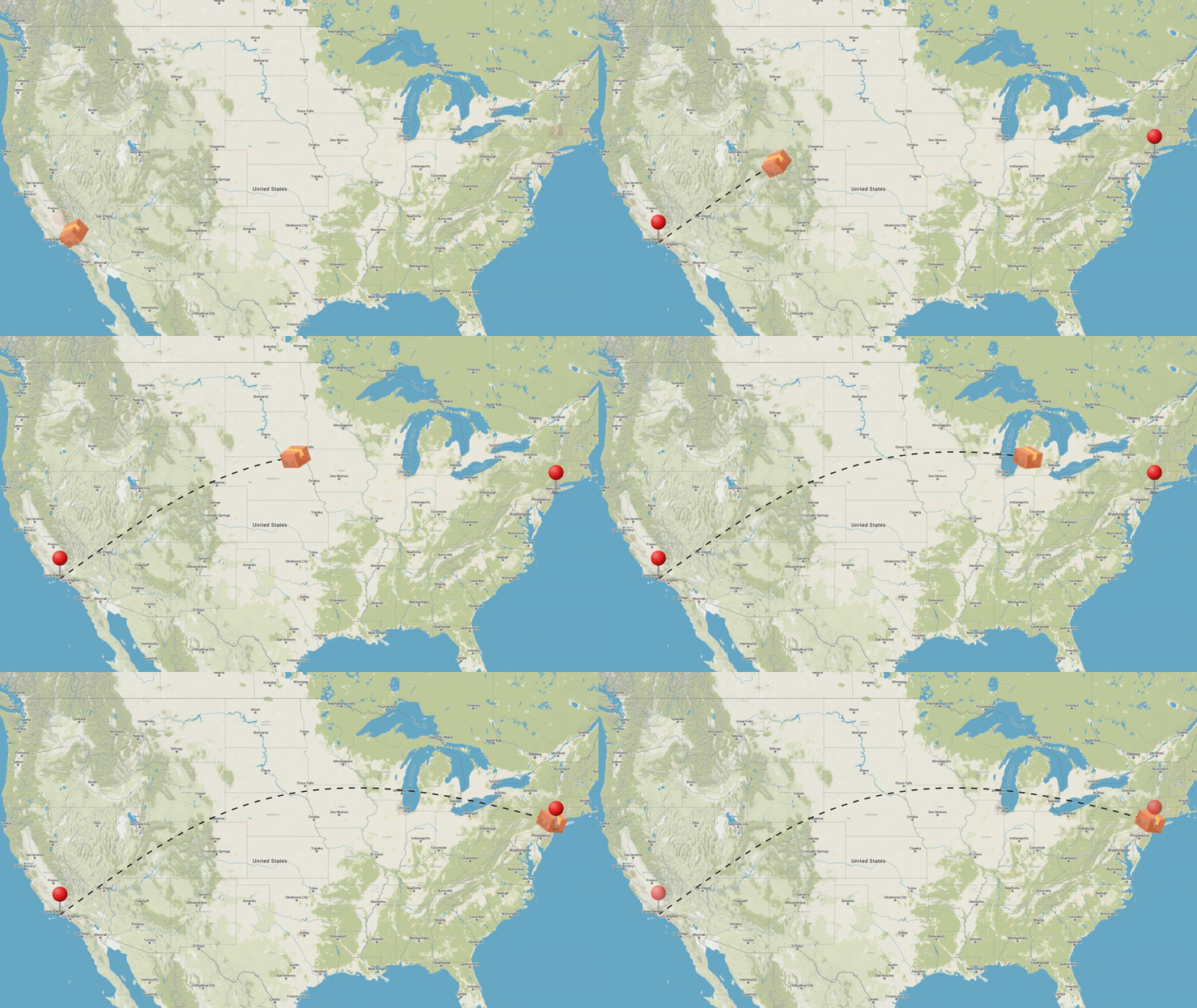
Map Path Creator for DaVinci Resolve makes it easy to create clean, professional-looking path animations on your timeline. Whether you’re explaining a journey, showing a delivery route, or adding visual storytelling to a travel video, this tool for DaVinci Resolve lets editors build animated paths and pins in just a few clicks.
Key Features
Getting started is as simple as dragging and dropping from a library of 11 unique presets:
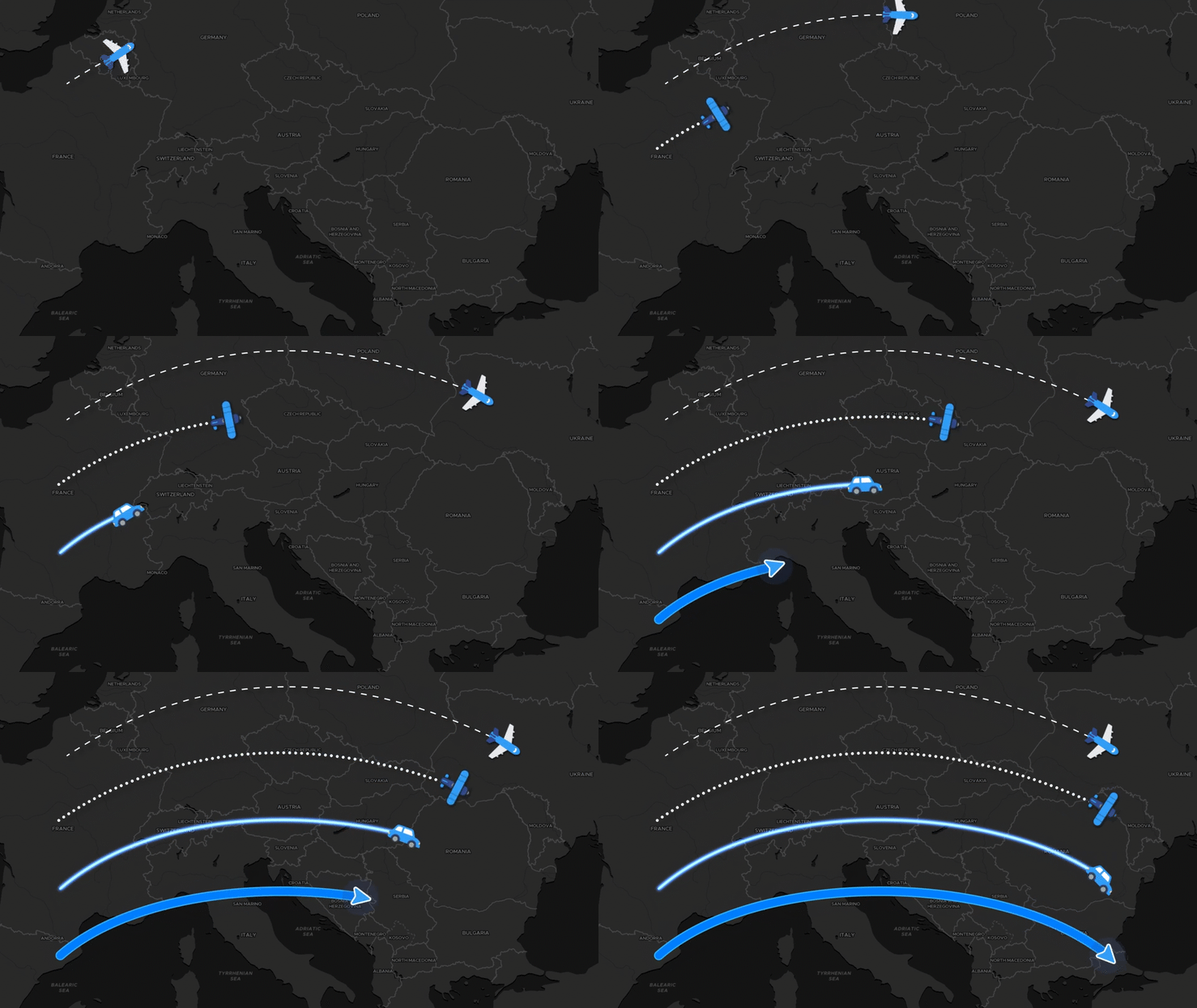
- 4 Customizable Paths: Choose from Dash Line, Dotted Line, Glow Line, or a Solid Line.
- Control Path: The tool allows you to click to add a new point, change existing point, and control the curve to define any shaped path you need.
- 7 Animated Pins: Mark your destinations with specialized pins including Food, Image Circle, Image Square, Ripple, Pin With Text, and two styles of Simple Pins.
Complete Creative Control
Once you’ve picked your path, the Inspector panel gives you total authority over the look and feel of your animation:
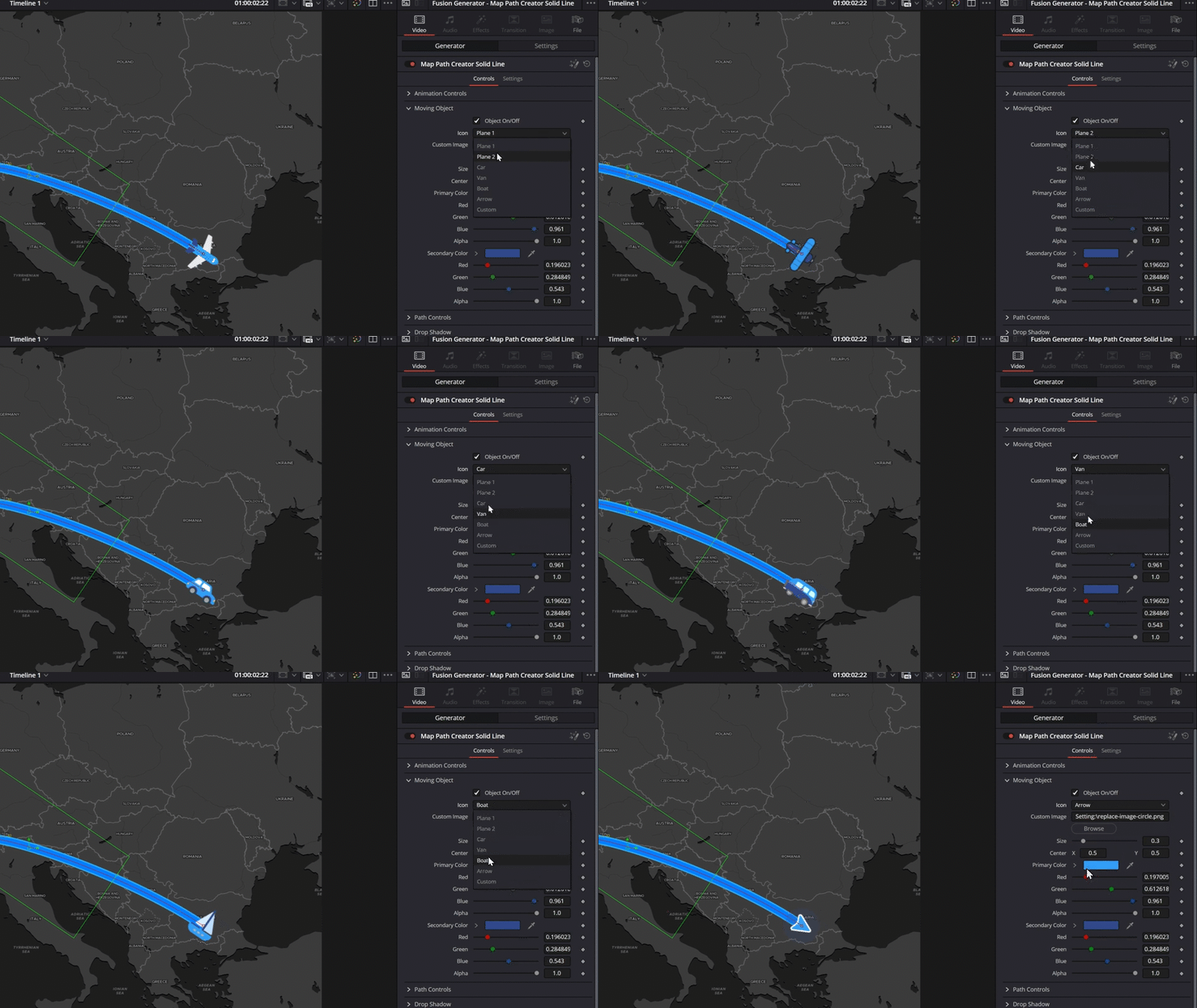
- Moving Object Selection: Every path includes six built-in icons to represent your mode of travel: Plane 1, Plane 2, Van, Car, Boat, and an Arrow.
- Custom Icon: The Custom option allows you to import your own image or logo.
- Icon Styling: You can easily adjust the Size and Center position, or change the Primary and Secondary Colors to match your video’s aesthetic.
- Path Customization: Fine-tune the path’s Size, Color, Opacity, and Spacing. You can even add a Drop Shadow with adjustable strength, angle, and blur to make the path pop off the map.
Two Ways to Animate
We know timing is everything in an edit, so we’ve included two distinct animation types:
- Automatic: Let the tool handle the timing for you.
- Custom: For custom precision, switch to Custom and keyframe the Custom Animation Slider. Just set the slider to 0 at your start frame and 1 at the end frame to perfectly sync the movement with your voiceover or music.
How to use Map Path Creator Tool
Installation
- Locate the downloaded file and double-click Map Path Creator - Allavio.drfx
- DaVinci Resolve will open automatically and prompt you to install the template—click Install
- That's it! The Generators will be available in your Effects library
For detailed installation instructions, follow our how to install DaVinci Resolve templates guide.